
Emby — install APK, 4K settings, device limit
Install the Emby APK on Android TV/Fire TV, force 4K playback so nothing downscales to auto, and stay inside the Emby Premiere device limit.
Install the Emby APK

- Delete old Emby app
Uninstall any previous Emby client so there's no conflict.
- Install the Downloader app
Get Downloader from your App Store (Amazon or Google Play).
- Launch Downloader
Open it and allow any access prompts.
- Click the search box
Tap the search field in Downloader.
- Insert the correct code
Enter 3741005. The app will start downloading after a few seconds.
- Allow install access
You may be prompted to allow Downloader access to install — allow it.
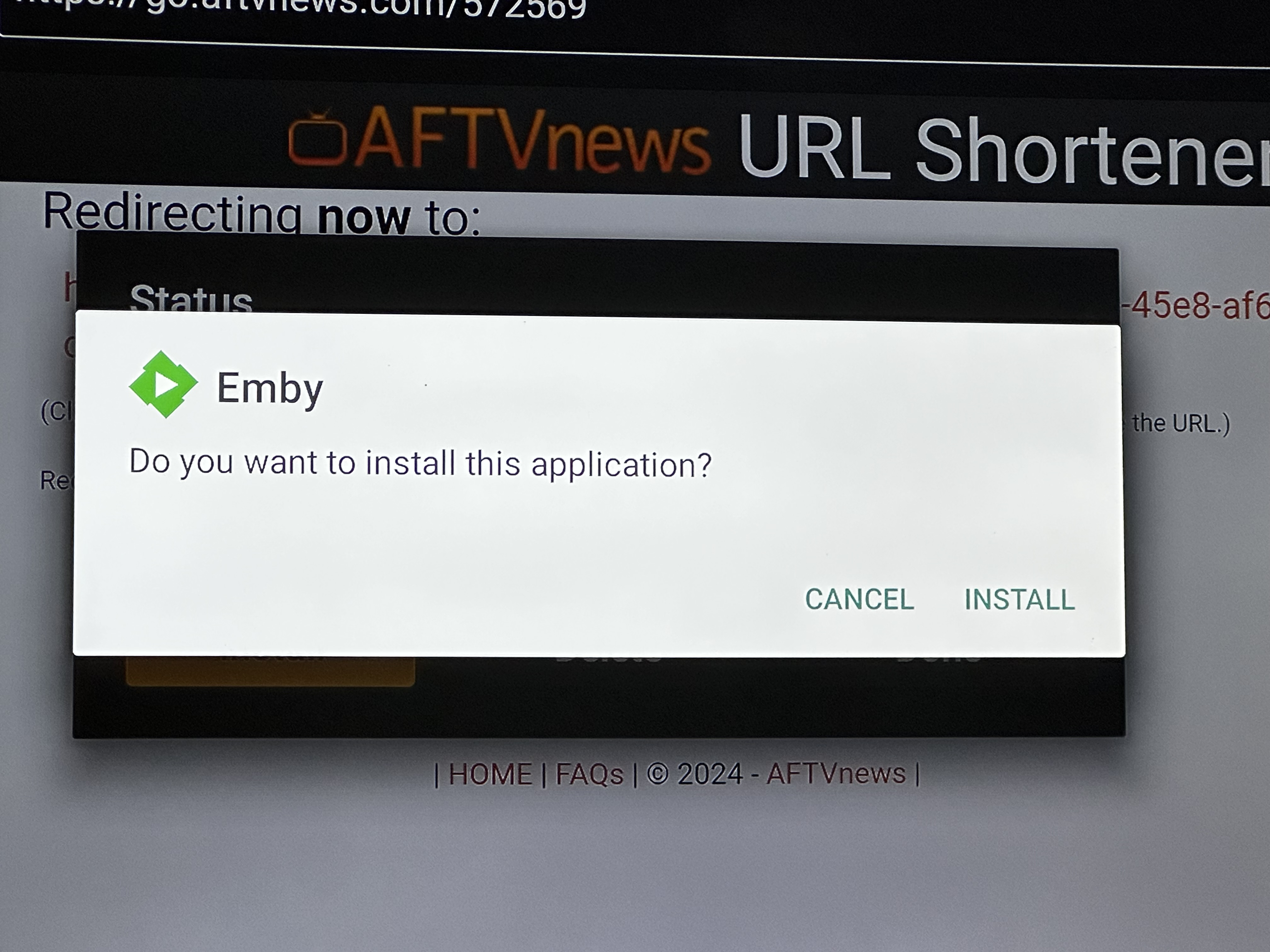
- Click Install Emby
Install the Emby app when prompted.
Important
Do not hit "Update" inside the Emby app — click Dismiss instead. Updating inside the app can pull the store version and reset your quality settings.
Force 4K playback — not auto
"Auto" quality will downscale 4K to 1080p mid-show. Lock it manually.

- Settings → Playback → Video Quality
Set Internet quality to 4K-200Mbps, or set max streaming bitrate to maximum.
- Maximum Allowed Video Transcoding Resolution
Set to 4K.
- Settings → Subtitles → Subtitle mode
Set to None. Avoid PGSSUB subtitles with 4K playback — they can force a transcode and drop quality.
- Settings → Playback → Video Advanced
Try enabling DTS (DCA) and TrueHD.

Smoother 4K on a dedicated box
TV-based apps sometimes lack support for all codecs and audio formats. For a smoother 4K experience, use a dedicated playback device like the Apple TV 4K or Fire TV Cube.
Emby Premiere device limit exceeded
If you see "Your Emby Premiere device limit has been exceeded", you're using too many devices that count toward the limit.
Devices that COUNT toward the limit
- Official Emby apps (iOS and Android)
- Emby Theater for Linux and macOS — use the web player instead
- Windows (Store and Desktop Emby Theater) — use the web player instead
- Android TV and Fire TV
- Any device that downloads content
Apps/devices to use instead
- Do not use Emby Connect.
- Use our custom Emby APK (install steps above) — or pay the one-time Emby unlock fee.
- Use Moonfin Video Hub — it does not count toward the Emby device limit.
Tips you must do
Faster loadings
- Settings → Home Screen Layout
Deselect libraries you don't need.
Transcoding vs Direct Play
If you play video below its original quality, or add subtitles, the video transcodes during playback. On the $10 plan you get 2 concurrent transcode streams — a 3rd gives "Not enough CPU to start conversion."
Direct Play = stream at original (highest) quality. You can run any number of Direct Play streams on all plans. To Direct Play, set quality to Original / 4K and keep subtitles Off.